
AI autocomplete vs. AI drafting
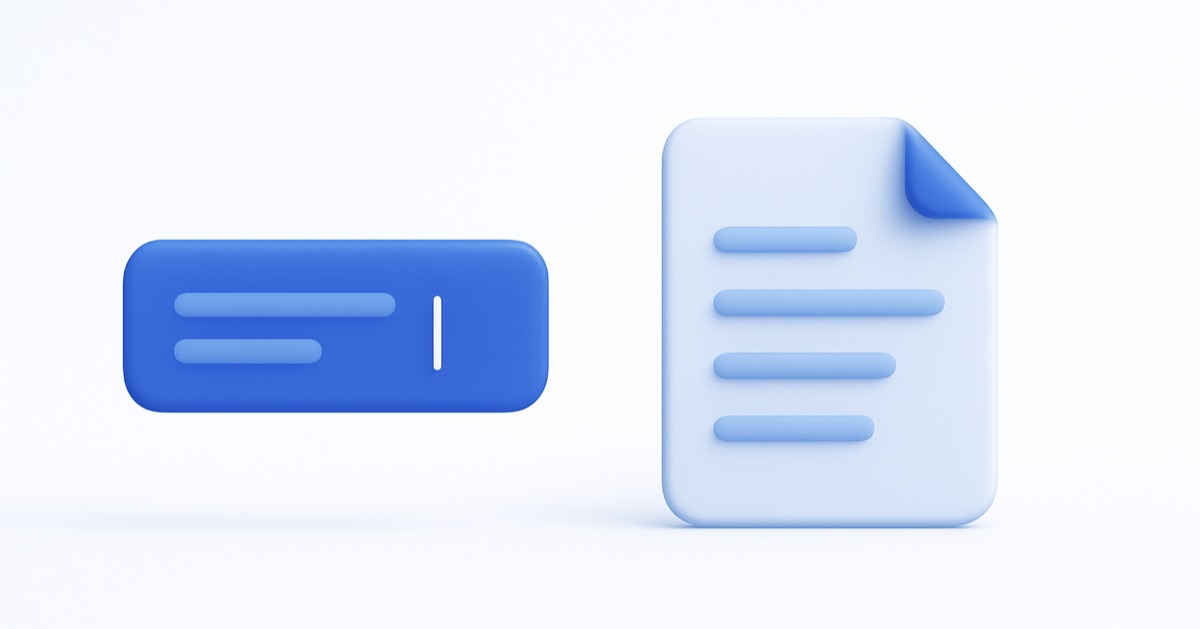
“AI for email” gets used for two very different things. One finishes the sentence you’re typing. The other writes the whole reply before you sit down. They look similar in a demo and solve different problems in real life — so it’s worth knowing which one you actually want.
Autocomplete: faster typing
You’ve used it — the ghost text that completes “Thanks for reaching” with “out.” It’s genuinely pleasant, and for one-off writing it helps. But look at what it quietly assumes: that you’re already in the message, typing. It speeds up the words; it doesn’t remove the task. For ten lookalike emails you still open ten threads and type ten replies — just a little faster each time.
Drafting: the reply is already there
Drafting flips the order. Instead of helping you write, it writes — a complete, ready reply waiting in your drafts when you open your laptop, for the emails you’ve set rules for. You read it, adjust if you want, and send. The task stops being “type faster” and becomes “review and approve.”
“In your voice” is the part that matters
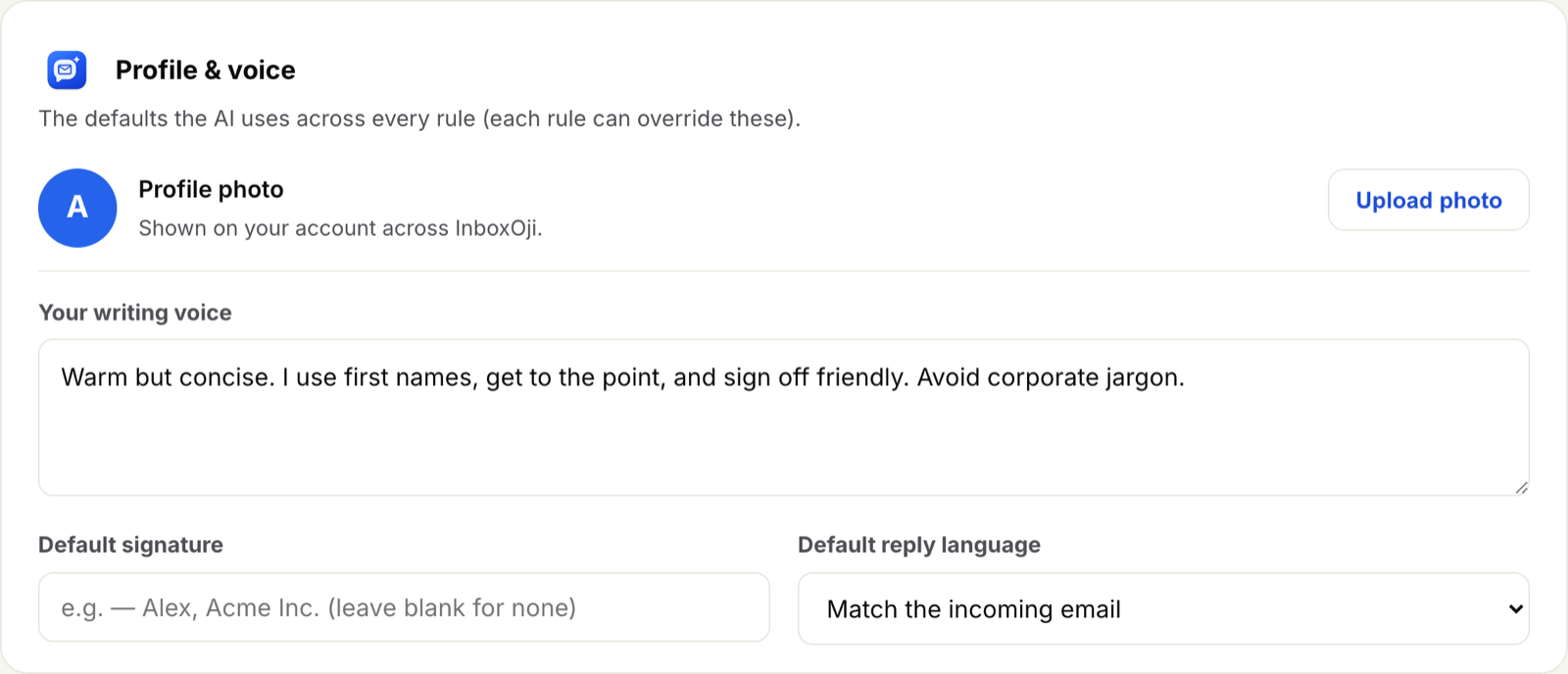
A pre-written draft is only useful if it sounds like you. You set your voice once — your tone, your sign-off, the corporate jargon you’d never use — and InboxOji writes to it, per rule if you like. The result isn’t “Dear valued customer.” It’s the reply you would have written, which is exactly why you can trust it with a glance instead of a rewrite.
The shared principle: you keep the judgment
Here’s the nice symmetry between the two. Autocomplete can’t send for you — there’s nothing to send until you’ve written it. Drafting could send, but doesn’t by default — it drafts and waits for your call. Different mechanisms, same line: the human decides. (When a rule is rote and well-tested, you can opt it into auto-send — your choice, reversible anytime.)
When each one fits
Reach for autocomplete when every email is genuinely different and you just want to type a bit faster. Reach for drafting when a real chunk of your inbox is the same handful of situations over and over — because that’s the part worth not writing at all. Most people want both; they’re less competitors than two different altitudes of help.
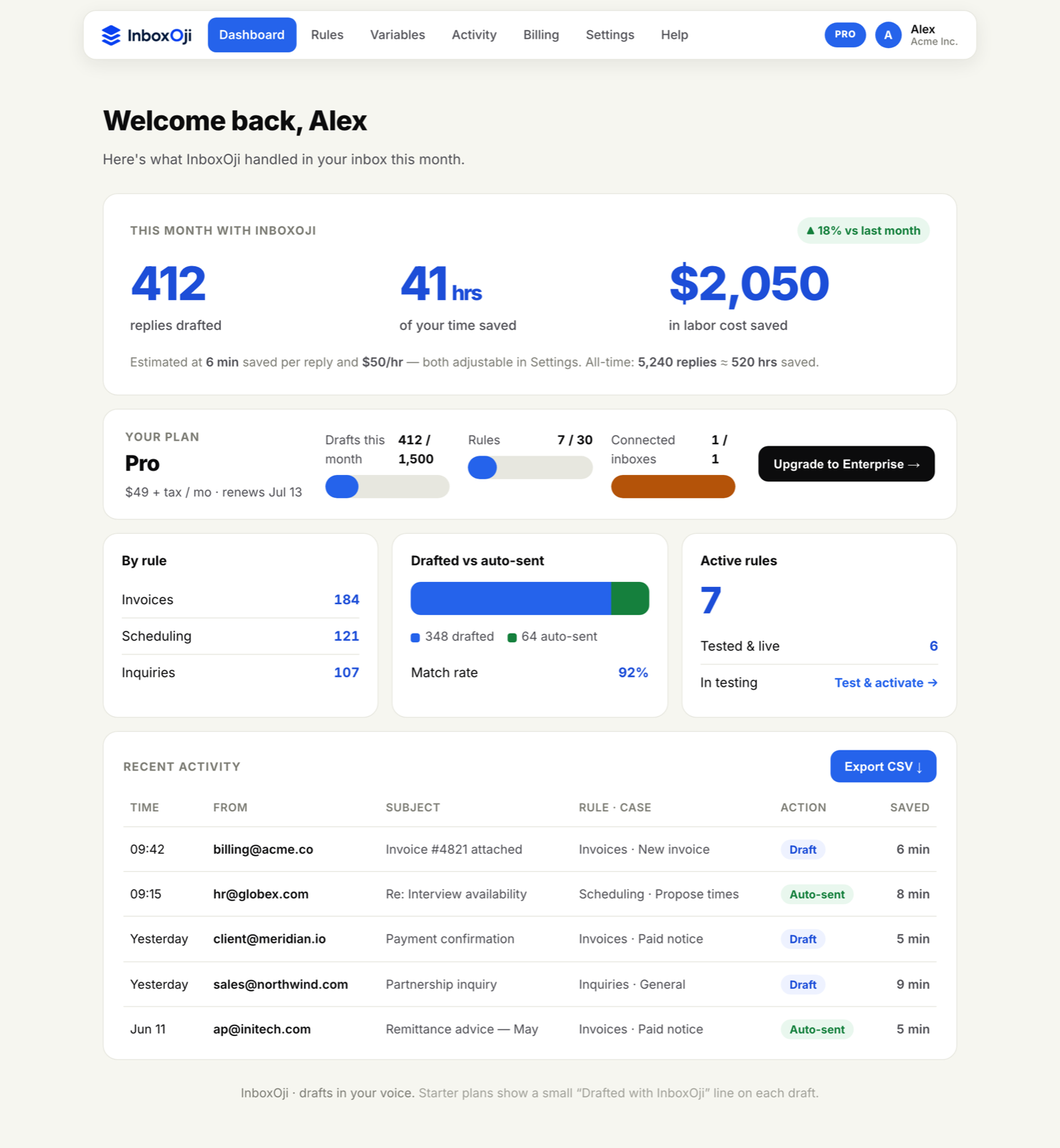
Autocomplete makes the keystrokes cheaper. Drafting makes them disappear — for the emails that repeat — while leaving the decision firmly with you. If your inbox has patterns, that’s the bigger win.
Stop rewriting the same email
InboxOji drafts your repetitive replies in your voice — you decide what sends. Free to try.
Try InboxOji free